
Client management that works where you do.
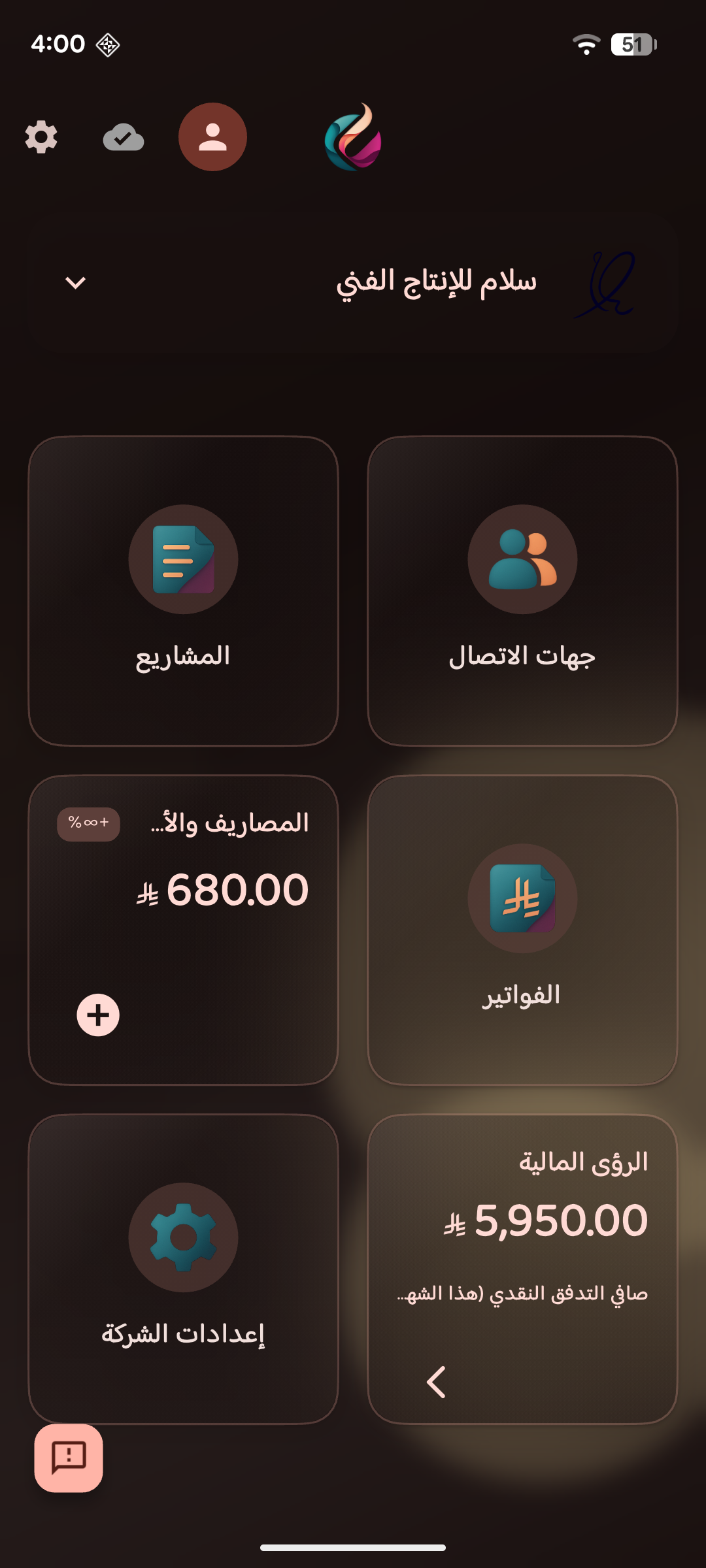
Manage proposals, invoices, projects, and clients from your phone. Works offline. Works in Arabic. Free to start.


How Artiva works
Create a proposal
Build a proposal with line items, pricing, and terms. Save templates to reuse. Send it as a link.
Client accepts
Your client reviews the proposal, sees your terms, and accepts — all in their browser. You get notified.
Create invoice in one tap
One tap creates an invoice pre-filled from the accepted proposal. Line items, client, project, terms, payment notes — everything carries over.
Share and get paid
Share the invoice via WhatsApp with a pre-written message. Your client opens a clean web page with line items, totals, bank details, and terms. You see when they view it.



Client Management
All your contacts in one place. Link them to projects and invoices. Import from your phone or a CSV file.

Project Tracking
Track projects through customizable stages. Kanban board or list view. Add notes, files, and deadlines.

Invoicing & Proposals
Professional PDF invoices with your branding. Online invoice links. Proposal-to-invoice in one tap. ZATCA-ready.

Expenses & Finance
Log expenses. Track receipts. See your income vs. expenses at a glance. VAT calculations included.
Built different.

Offline-first
Full functionality with no internet. Your data stays on your device. Sync when you're ready.

Arabic-native
Not a translation layer. Full RTL interface, Arabic invoices, Arabic proposals. Built for how you actually work.
Saudi-ready
ZATCA e-invoicing compliance. VAT calculations. SAR currency. Bank details on invoices. Built for Saudi businesses.
Built for businesses with clients.
Free forever.
Manage your business offline with no limits. Cloud sync and online features available with paid plans.
See pricing →Start managing your business today.
Free on iOS and Android.